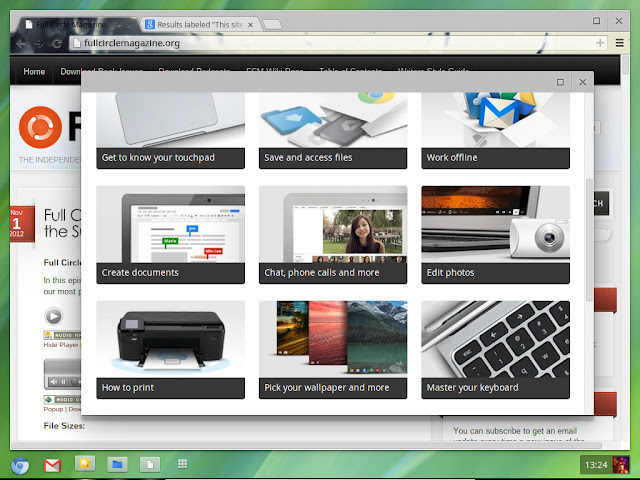
Following our look at
Chromium OS in Part One, we're now going to try it in a virtual machine using VirtualBox. We'll use the standard Vanilla build of Chromium OS. Hold on for
Part Three to try the bootable USB image. Hexxeh provides pre-built, bootable, virtualized disk images for VirtualBox. The image is supplied as a VDI file, which is the standard VirtualBox virtual disk format. VirtualBox is free and runs on Windows, OS X and Linux. The Vanilla build for VirtualBox is refreshed every day alongside the USB image. This means you can test the latest changes without needing to burn it to a USB stick. Read more of this post


 WordPress.com

Niciun comentariu:
Trimiteți un comentariu